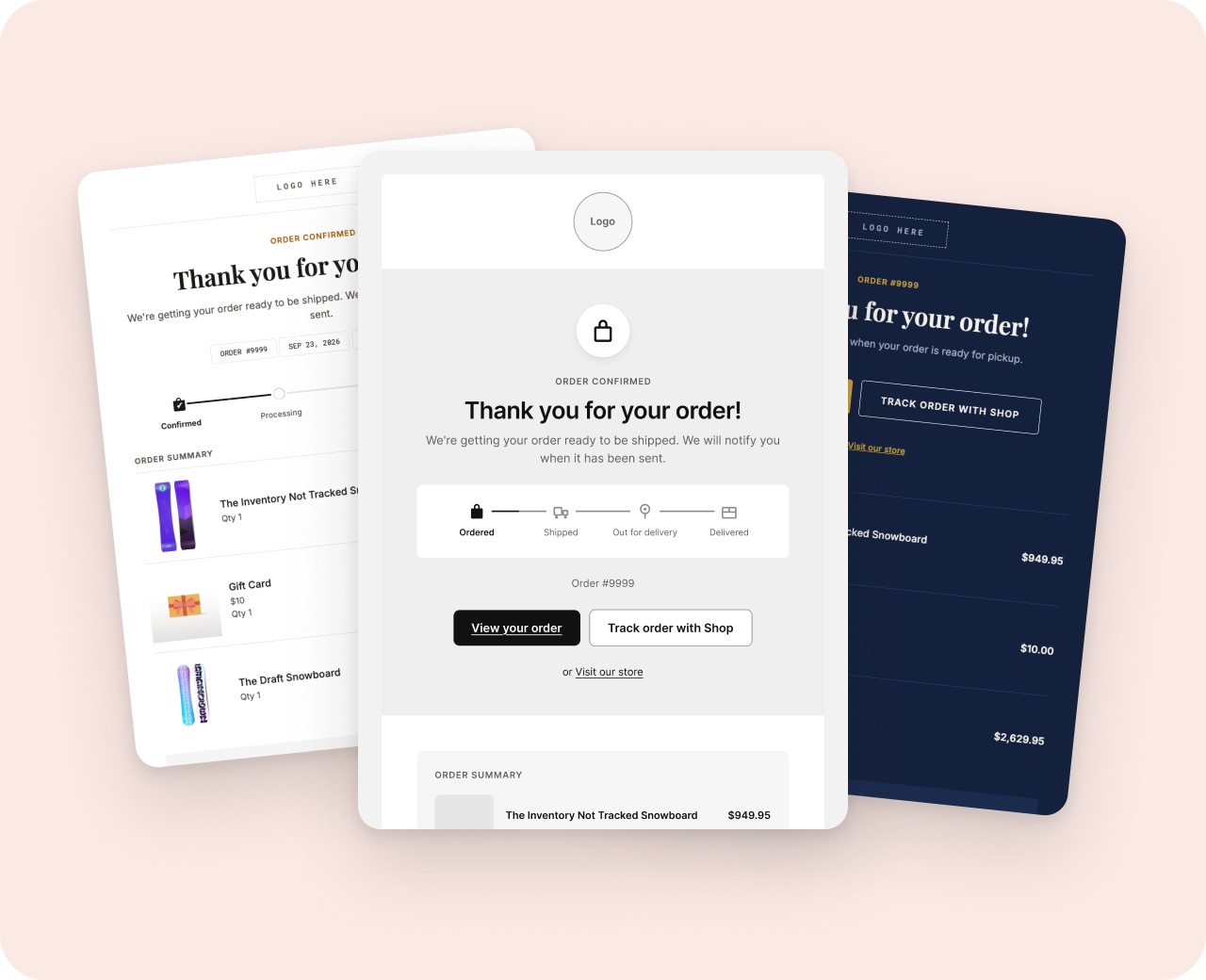
Which Shopify notification emails to customize first
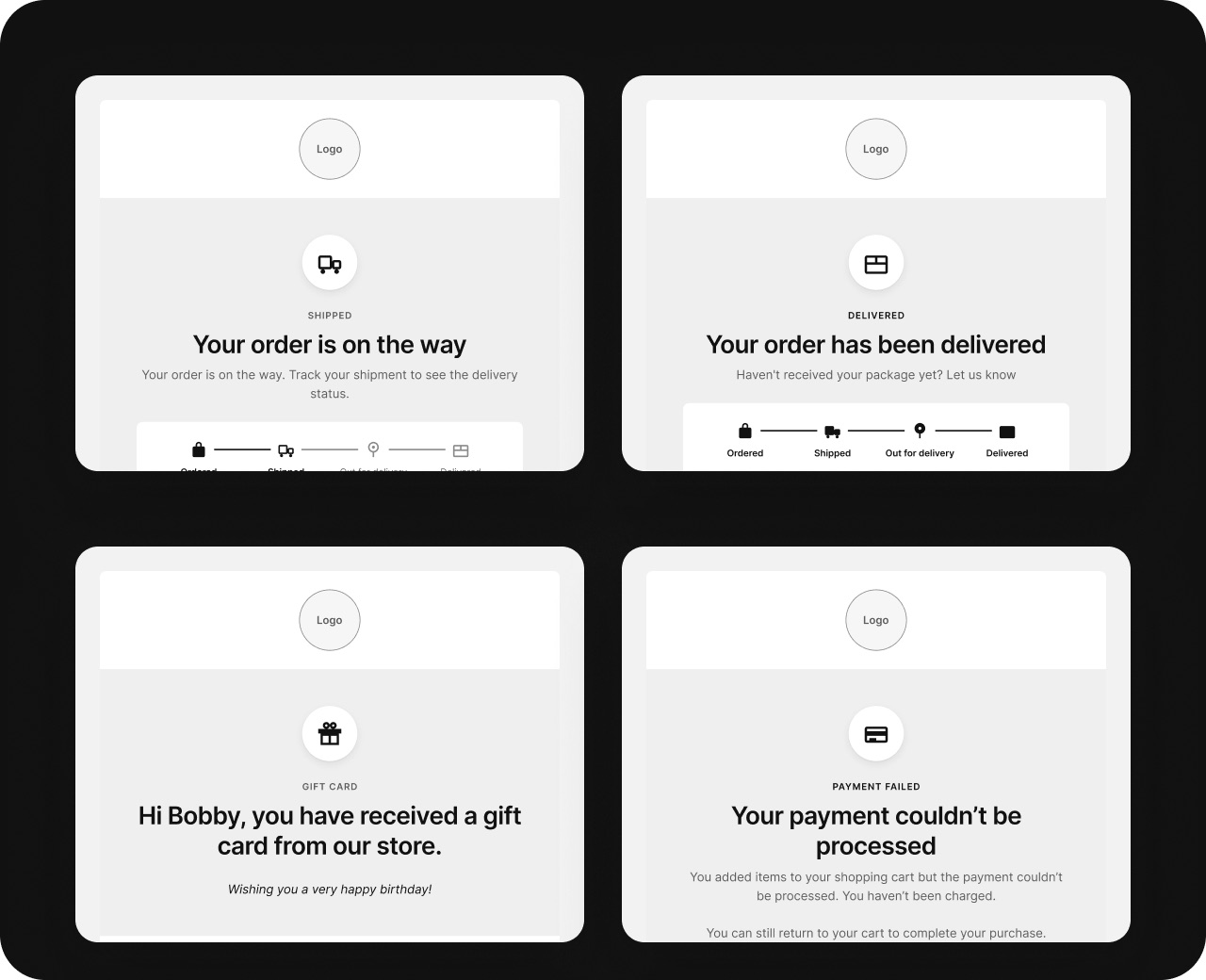
Start with the emails every customer gets: the order confirmation, the shipping confirmation and the delivery emails. Do the refund email next, then the rest as you have time.
1. Order confirmation
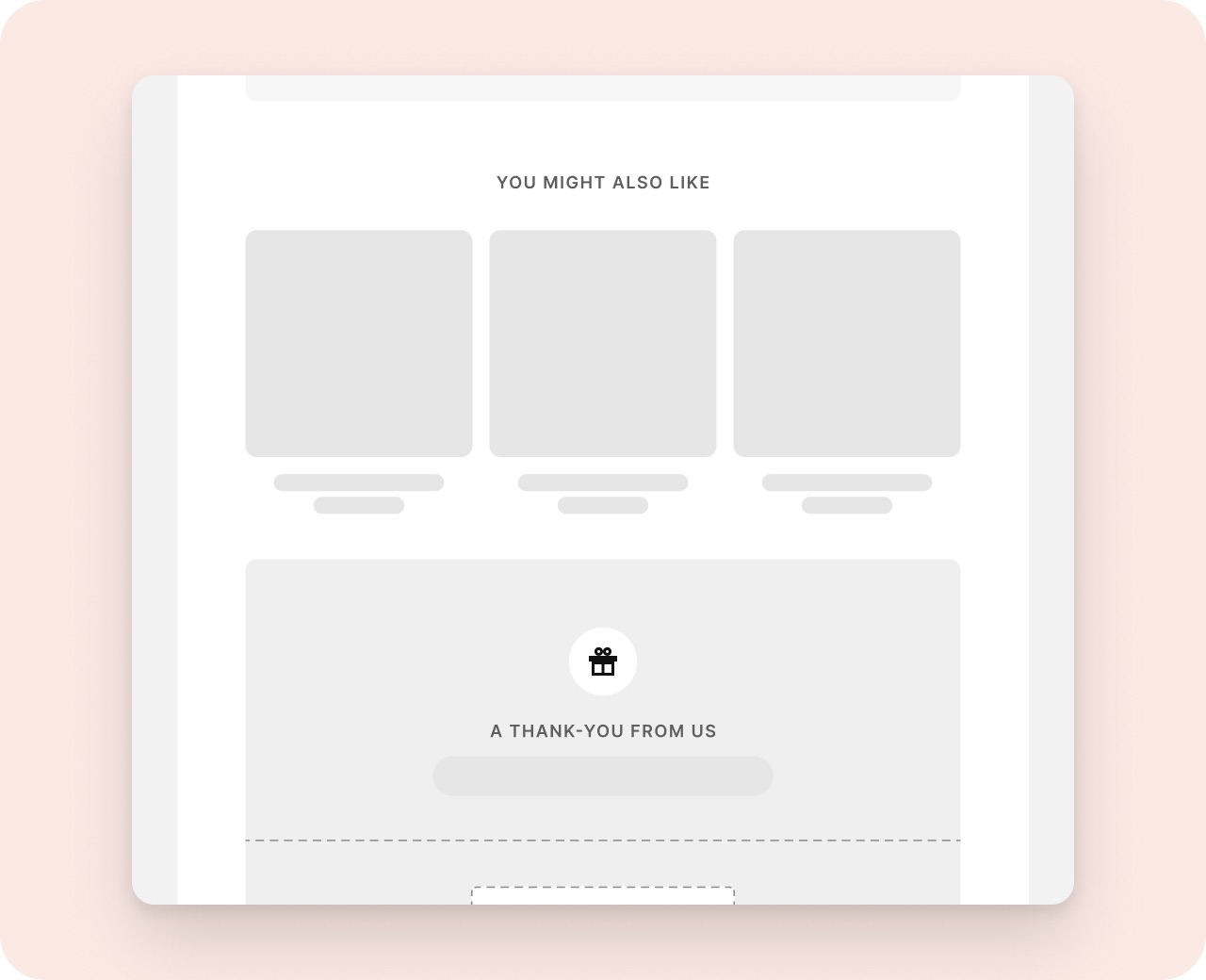
Every customer gets it, right after they pay. It's the first email they have from you, so it carries your brand, the order details and one reason to come back.
2. Shipping confirmation
Customers open it for the tracking link, so make the tracking button the first thing they see.
3. Out for delivery and Delivered
These arrive when the customer is waiting for the parcel or has just opened it. The Delivered email is a good place for a discount on the next order or a request for a review.
4. Refund and Order canceled
Fewer people get these, but they decide whether a customer gives you another try. Keep them clear and friendly, say when the money arrives, and leave the sales sections out.
5. Abandoned checkout
Shopify can email shoppers who leave at checkout. In your brand, with the cart's products, it reads like a reminder from your store rather than a system message.
Then the rest
Gift card, local delivery and pickup emails if you offer them, and the staff New order email your team reads. Give them all the same look, so every email feels like it came from the same store.
Try it with Notifyr
Read the setup guide, or email support@notifyrmail.com with a question.