How to customize the Shopify order confirmation email
You change the order confirmation email in your Shopify admin under Settings, then Notifications. A logo and an accent color take a minute. Anything more, like your own fonts, words or new sections, means changing the email's code yourself or using an app that writes the code for you.
What you can change without code
Under Customize email templates, Shopify lets you upload a logo, set its width and pick an accent color. They apply to every notification at once. The layout, the fonts and the wording stay Shopify's.
What it takes to change more
Open the email and click Edit code. You get one long file of HTML and Shopify's Liquid code, and every other change happens there. It works, but one wrong character can break the email, so keep a copy of the original before you start.
What a good order confirmation has
- Your logo and colors, so the customer knows at a glance who it's from
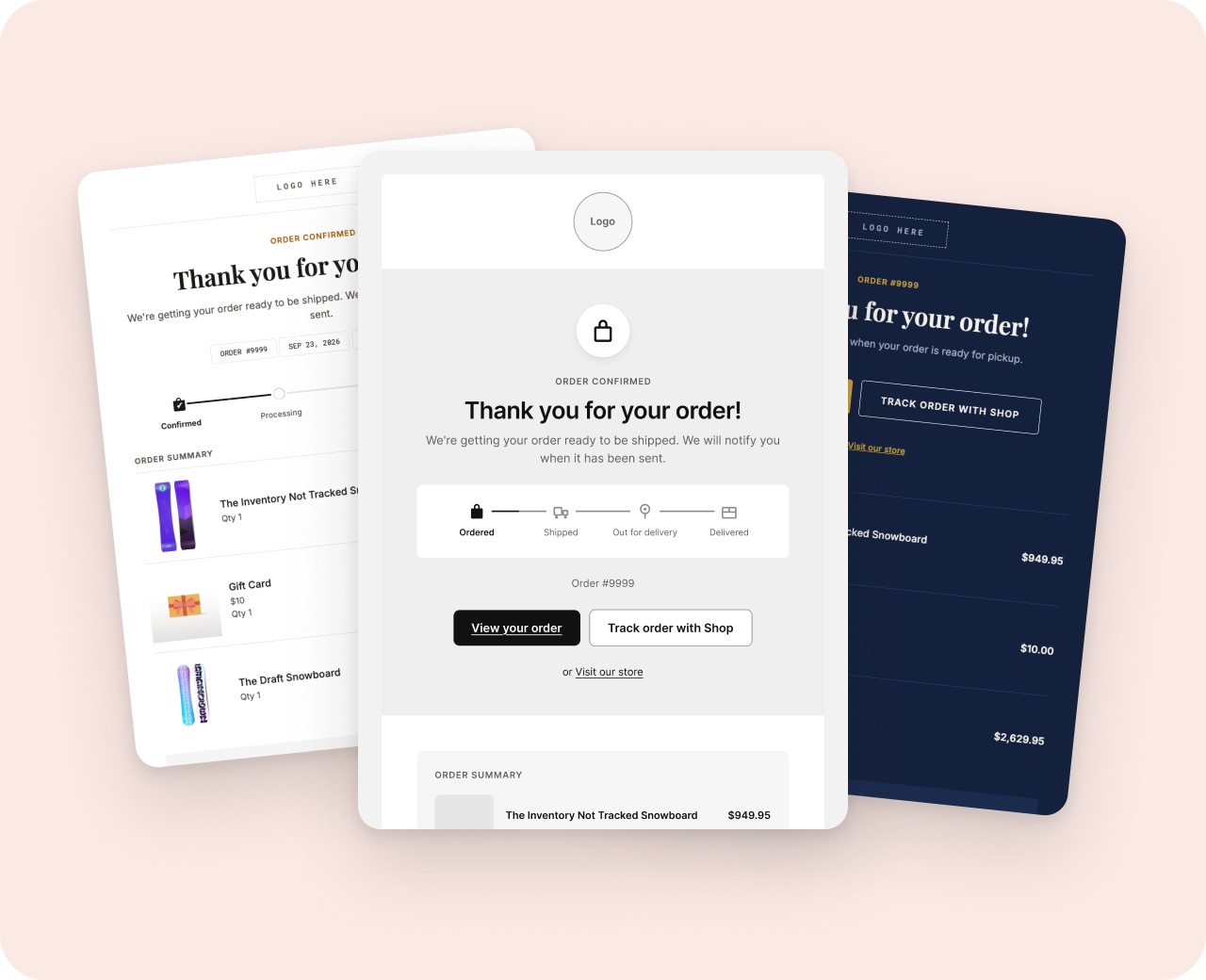
- A headline that says the order went through
- The order number, the items and the total
- A button to view the order
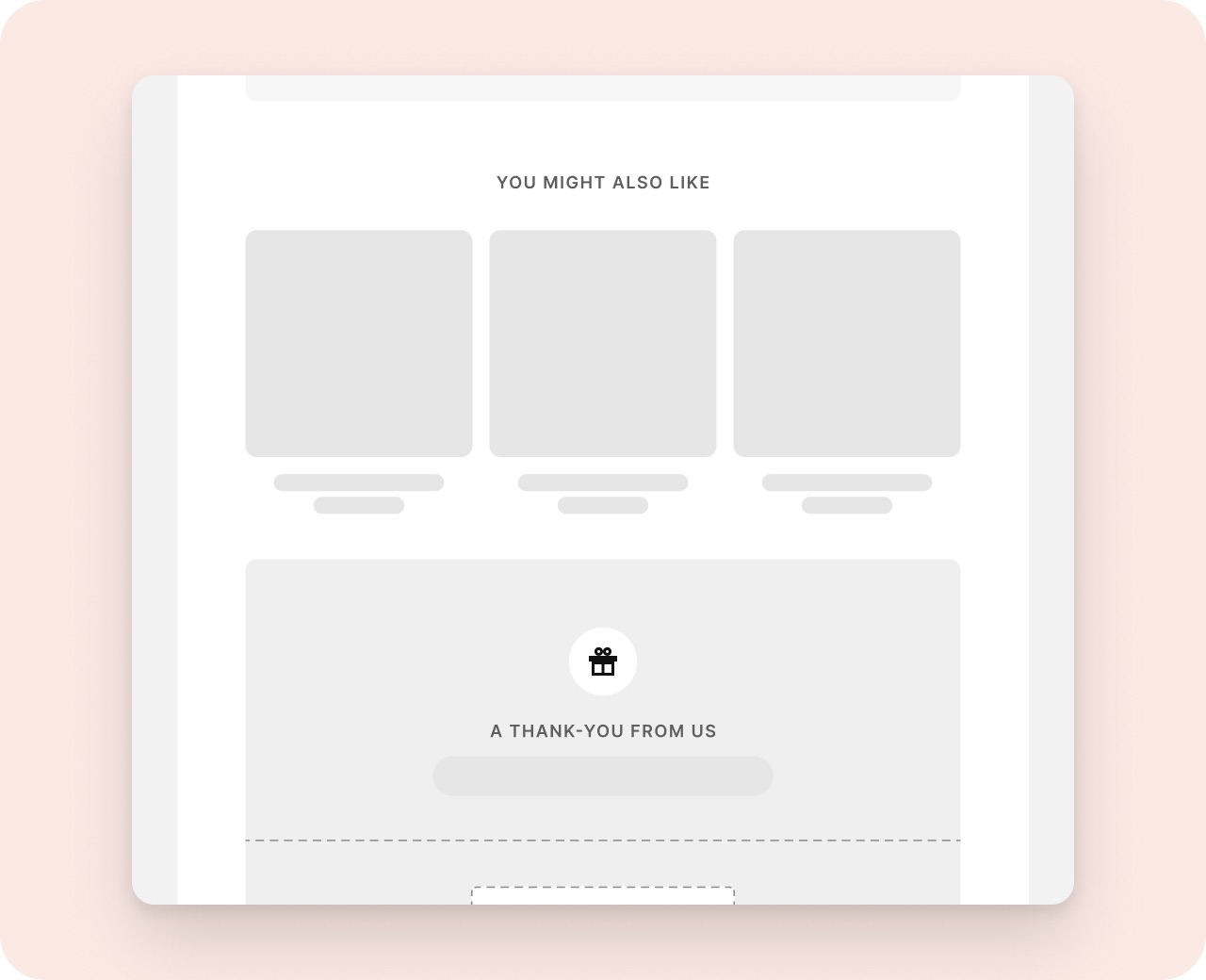
- One reason to come back: a discount code or products that go with what they bought
- Links to get help or contact you
How to do it with Notifyr
- Open Notifyr from Apps in your Shopify admin and pick a set: Linen, Shopify or Kaysun.
- Click Get brand. Notifyr fills in your logo, colors and fonts from your storefront.
- Open Order confirmation, click any part to change it, and add a discount or product picks if you want them.
- Click Copy code, open Order confirmation in Shopify's Notifications, click Edit code, replace the code and click Save.
Test it before customers see it
On the Edit code page, Preview shows the email with a sample order, and Send test email puts a copy in your inbox. Check it on your phone too.
How to undo it
Open the email in Notifications, click Edit code and choose Revert to default. Shopify's own email comes back. If you made it in Notifyr, your design stays saved there, so you can paste it again later.
Try it with Notifyr
Read the setup guide, or email support@notifyrmail.com with a question.